
Catégorie : WordPress

  • Comment migrer un site wordpress vers un nouvel host ?

    Comment migrer un site wordpress vers un nouvel host ?

    Sur le host actuel (OLD-SRV) :

    Extraire le contenu de la base de données WordPress :

    Allez dans le répertoire contenant votre site web and récupéré le contenu de votre base de données WordPress via WP-CLI

    cd /var/www/mydomain.tld/htdocs
    wp db export --allow-root

    Remarque : Si WP-CLI n »est pas installé sur votre serveur, exécutez les commandes suivantes :

    curl -O https://raw.githubusercontent.com/wp-cli/builds/gh-pages/phar/wp-cli.phar
    chmod +x wp-cli.phar
    sudo mv wp-cli.phar /usr/local/bin/wp

    Sur le nouvel host (NEW-SRV) :

    Transférer les fichiers de votre host actuel (OLD-SRV) vers votre nouveau host (NEW-SRV)

    Pour migrer les files de votre host actuel vers votre nouveau serveur, nous utiliserons rsync car c’est rapide and secure (fichiers transférés via SSH). Vous pouvez, bien sûr, configurer un « password-less » SSH Login entre les deux hosts.
    Voici les commandes à exécuter pour copier les fichiers de votre host actuel (OLD-SRV) vers le nouveau (NEW-SRV):

    rsync -avzh --progress --ignore-existing \
    root@OLD-SRV:/var/www/mydomain.tld/htdocs/ \
    /var/www/mydomain.tld/htdocs/

    Ne gardez pas le fichier ‘wp-config.php’

    Le fichier « wp-config.php » contient principalement les paramètres de votre base de données. Vu que sur le nouvel host, vous n’avez probablement pas les même paramètre, il est préférable de renommer le fichier « wp-config.php » afin de permettre l’importation des données dans votre nouvelle base de données.

    Exemple de commande à éxécuter pour renommer le ‘wp-config.php’ :

    mv /var/www/mydomain.tld/htdocs/wp-config.php /var/www/mydomain.tld/wp-config.php.bak

    Restauration de la base de données du host actuel sur le nouvel host (NEW-SRV)

    Nous allons utilisé WP-CLI pour importer facilement la base de données que nous avions transféré dans une étape précédente.

    cd /var/www/mydomain.tld/htdocs
    wp db import my_domain_tld-2020-08-21-XX44z4.sql --allow-root
    rm mydomain_co-2020-08-21-XX44z4.sql
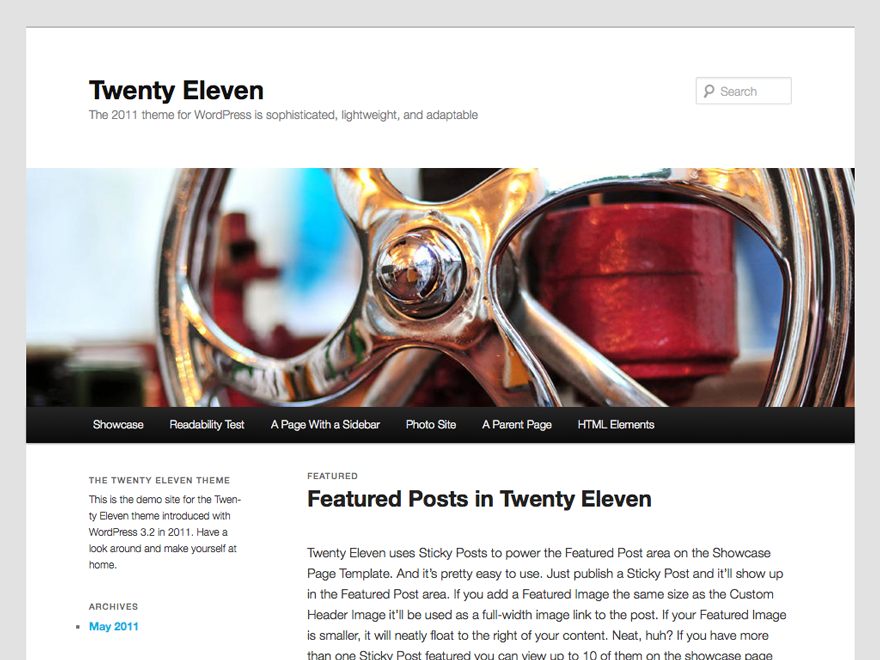
  • Introducing Twenty Eleven theme

    Introducing Twenty Eleven theme

    Give a try to 2011 WP Theme… So far looks nice

  • ZenPhoto

    ZenPhoto

    I will soon fully integrate ZenPhoto into this site. The development of my ZenPhoto gallery is under construction…You can see it at http://photos.arewel.com

  • New layout before any other steps !

    Well, is it usefull to say something more than the title ?

    Upgrade to WordPress 2.0

    Theme used : Squible (with lot of changes….)

    Nothing more so far…..

  • Ultimate Tag Warrior installed

    Ultimate Tag Warrior finaly installed…I gonna test if this is really what I am expecting… I will let you know as soon as my tests will be completed.

  • Near Future Posts plugin

    For an external development I needed to be able to display future posts but not all future posts. I started with the future posts plugin of Michael Moncur but it doesn’t fit to what I really needed.

    The posts to be displayed should have been maximum 20 days in the future…

    So the plugin is now able to display the future posts of ‘x’ days (defined via an simple administration screen).

    (suite…)

  • psnCPGAdmin in the Admin Panel

    Well, here is the preview of how to add the psnGallery2 Admin in the WP Administration Panel….
    (suite…)

  • psnGallery2 1.4.0c late….

    Well, I have to admit that I have no more time (for the moment) to support effectively this plugin….

    I will try to provide a new package with the latest updates soon.

  • psnGallery2 : famous line 97

    Quickfix to try.

    Try to replace the famous line 97 :

    if (!$wpdb->query("SHOW TABLES FROM ".DB_NAME." LIKE '$psnGalleryTable'"))

    I wrote try because I can’t reproduce on my side the issue…..

    Give me your feedback !

    Sorry to be so absent but I have a lot of work…..

  • psnGallery2 v1.4.0b : some new functionnalities

    The beta version of psnGallery2 will be out soon (normally this week-end)…It includes few new functionnalities :


    (suite…)